
Read PDF Aloud
Read PDF Aloud is a browser-based application that instantly transforms your PDF documents into natural-sounding speech. Featuring high-quality neural voices in multiple languages, offline capabilities, and a responsive design, it offers a seamless and accessible listening experience on any device without your data ever leaving your browser.
Introduction
What is Read PDF Aloud
**Read PDF Aloud** is a comprehensive text-to-speech solution designed to make reading accessible, productive, and engaging. It runs entirely in your browser to ensure maximum privacy and instant performance. ### Core Features - **Natural & Lifelike Voices**: Experience reading with advanced neural voices that sound surprisingly human. Choose from a diverse library of languages and accents to find the perfect narrator for your content. - **Smart & Synchronized Reading**: Follow along effortlessly. The intelligent viewer highlights text as it's being read, automatically scrolling to keep your place. Jump to any paragraph instantly with a simple click. - **Seamless Offline Access**: Read anywhere, anytime. Your recently opened documents are saved locally, so you can continue listening on flights, commutes, or in areas with poor internet connectivity. - **Productivity-Boosted Learning**: - **Audio Export**: Turn PDFs into audio files to listen while you exercise or commute. - **Cross-Device Compatibility**: A unified experience that adapts perfectly to your desktop, tablet, or mobile phone. ### Premium Features Read PDF Aloud also offers a suite of Premium features designed to elevate the user experience. These include enhanced, natural-sounding neural voices with superior prosody, and integrated OCR (Optical Character Recognition) capabilities that enable the processing of scanned documents and images. Furthermore, a roadmap of additional advanced features is currently under development and will be rolled out in future updates to further streamline your digital reading workflow.
More Products
Explore category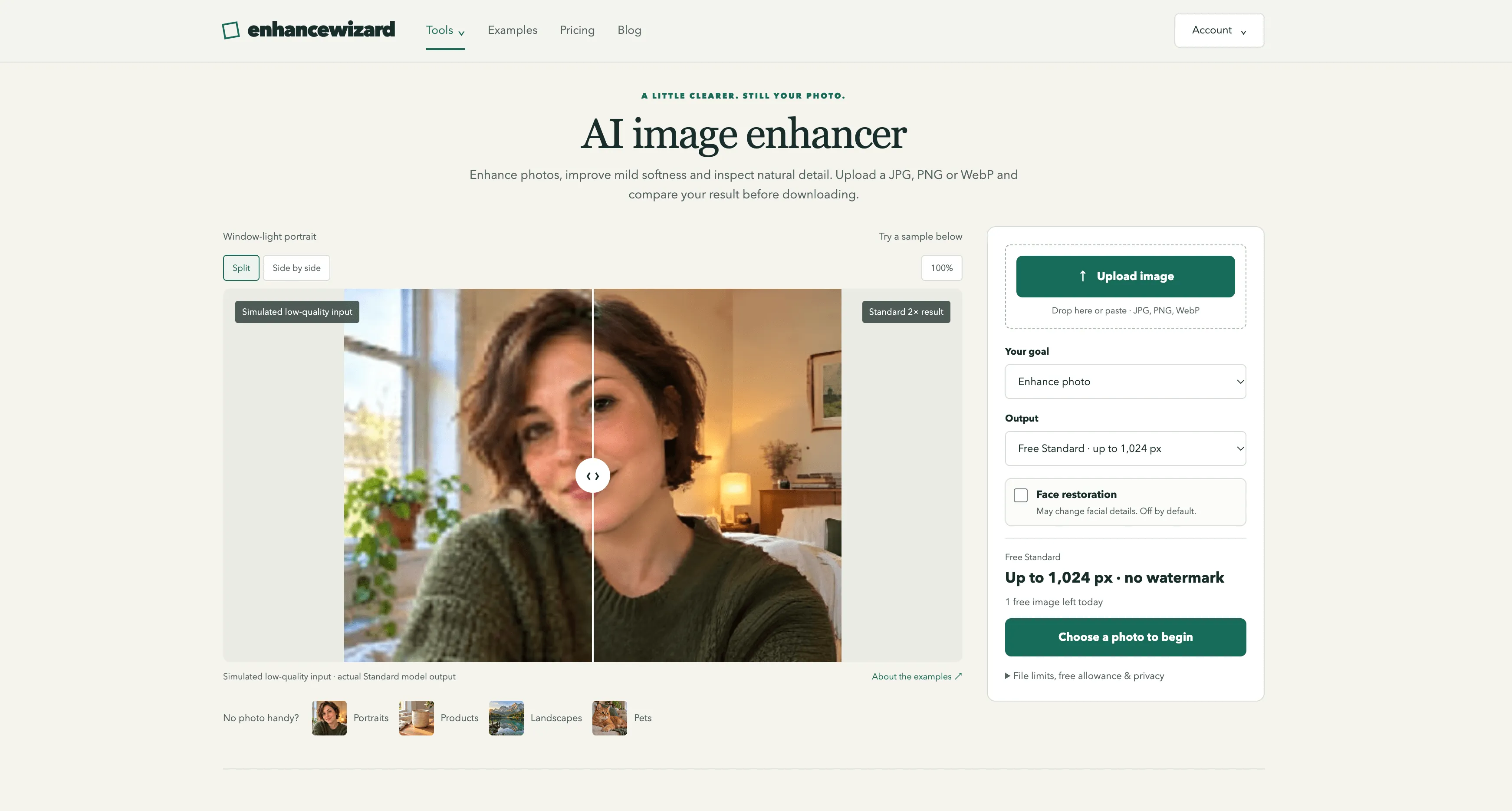
enhancewizard
EnhanceWizard is an AI-powered online image enhancer that improves photo quality, sharpens blurry images, reduces noise, and upscales pictures effortlessly for clearer, sharper, and more natural-looking results.

PXDMD
PXDMD is a free online AI image editor: remove backgrounds, erase objects and watermarks, change backgrounds, and color-grade photos in seconds. 3 free credits, no account needed.

Wisegrid
Wisegrid is a spreadsheet-native work management platform for project-driven teams that need more structure without giving up the flexibility of a familiar grid. It combines rows, columns, formulas, hierarchies, and cross-sheet references with dashboards, Gantt, board and calendar views, forms, workflow automation, approvals, resource planning, and real-time reporting. AI-powered formulas also help teams classify information, extract key details, and summarize project data directly inside the workspace. Wisegrid can be used for project planning, budget tracking, resource allocation, request management, approval workflows, client reporting, and portfolio dashboards. It is especially useful for construction companies, engineering firms, professional services teams, agencies, and other spreadsheet-heavy businesses. The platform also supports reusable project blueprints, API and webhook integrations, Excel and CSV exports, and self-service Smartsheet migration. Wisegrid helps teams reduce manual reporting, standardize recurring processes, improve project visibility, and scale operations without adopting a complex enterprise system.
Grow faster
Get backlinks for your SaaS
Submit your product and track every backlink submission in one workspace.