
Wan 2.6 AI Video Generator
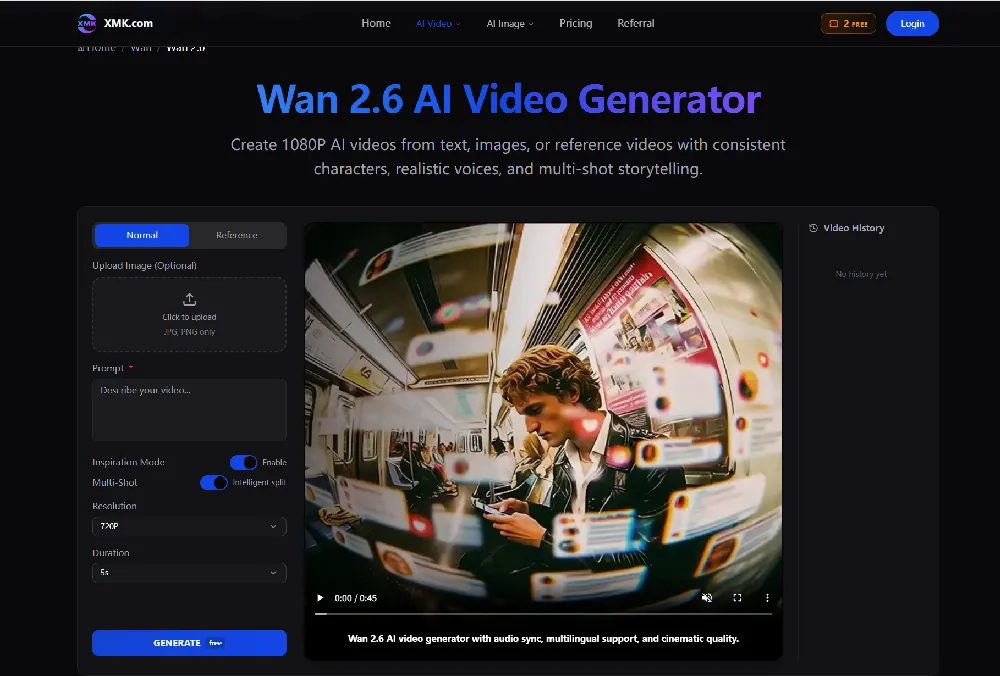
Wan 2.6 generates AI videos from text or images with multi-shot storytelling, reference video control, and native audio sync.
Introduction
What is Wan 2.6 AI Video Generator
Wan 2.6 AI Video Generator is an advanced AI video creation model that lets you generate high-quality 1080p videos from text, images, or reference video inputs. It supports cinematic storytelling with multi-shot scenes, native audio synchronization, and consistent characters — all without traditional filming or editing. How does Wan 2.6 work? Wan 2.6 uses powerful multimodal AI to interpret your prompts and create professional videos in minutes: Text-to-Video: Turn a written description into a visually rich video. Image/Reference-to-Video: Upload an image or clip to guide character identity and scene style. Multi-Shot Storytelling: Automatically plans shots, camera changes, and transitions for narrative flow. Native Audio & Lip Sync: Generates synchronized voices, effects, and music to match visuals. The model can generate up to 15-second cinematic videos with stable character consistency and expressive sound. Who uses Wan 2.6 AI Video Generator? Wan 2.6 is used by a range of creative professionals and teams to produce video content quickly and effectively: Content creators & influencers — for social videos and storytelling. Marketers & brands — to generate ads, promos, and branded visuals. Educators & trainers — for engaging explainers and educational clips. Small businesses — for product showcases and digital campaigns. With an intuitive prompt-based workflow and support for detailed creative directions, Wan 2.6 empowers users to bring ideas to life through professional-grade AI video generation in minutes.
More Products
Explore category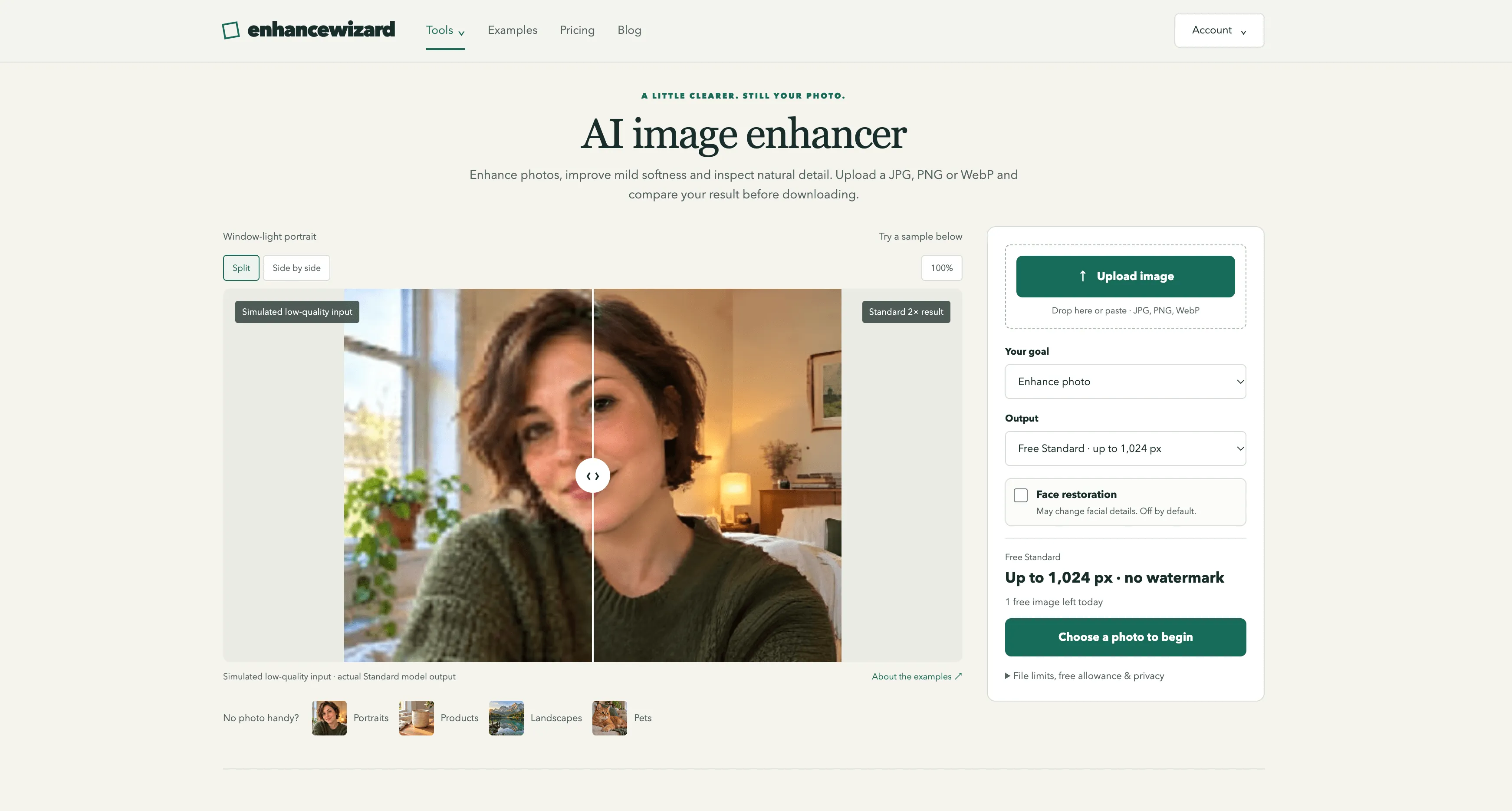
enhancewizard
EnhanceWizard is an AI-powered online image enhancer that improves photo quality, sharpens blurry images, reduces noise, and upscales pictures effortlessly for clearer, sharper, and more natural-looking results.
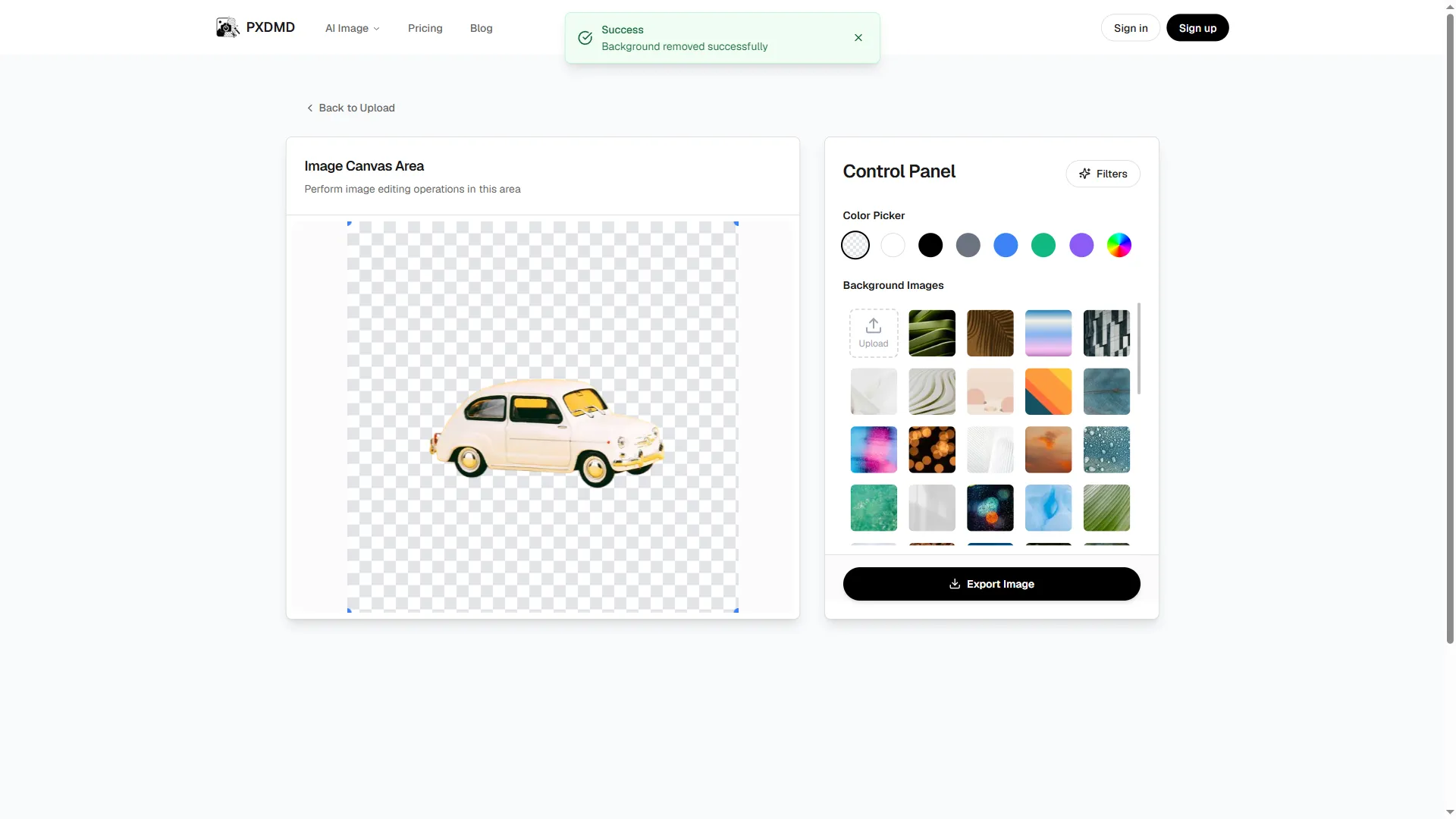
PXDMD
PXDMD is a free online AI image editor: remove backgrounds, erase objects and watermarks, change backgrounds, and color-grade photos in seconds. 3 free credits, no account needed.

Wisegrid
Wisegrid is a spreadsheet-native work management platform for project-driven teams that need more structure without giving up the flexibility of a familiar grid. It combines rows, columns, formulas, hierarchies, and cross-sheet references with dashboards, Gantt, board and calendar views, forms, workflow automation, approvals, resource planning, and real-time reporting. AI-powered formulas also help teams classify information, extract key details, and summarize project data directly inside the workspace. Wisegrid can be used for project planning, budget tracking, resource allocation, request management, approval workflows, client reporting, and portfolio dashboards. It is especially useful for construction companies, engineering firms, professional services teams, agencies, and other spreadsheet-heavy businesses. The platform also supports reusable project blueprints, API and webhook integrations, Excel and CSV exports, and self-service Smartsheet migration. Wisegrid helps teams reduce manual reporting, standardize recurring processes, improve project visibility, and scale operations without adopting a complex enterprise system.
Grow faster
Get backlinks for your SaaS
Submit your product and track every backlink submission in one workspace.